
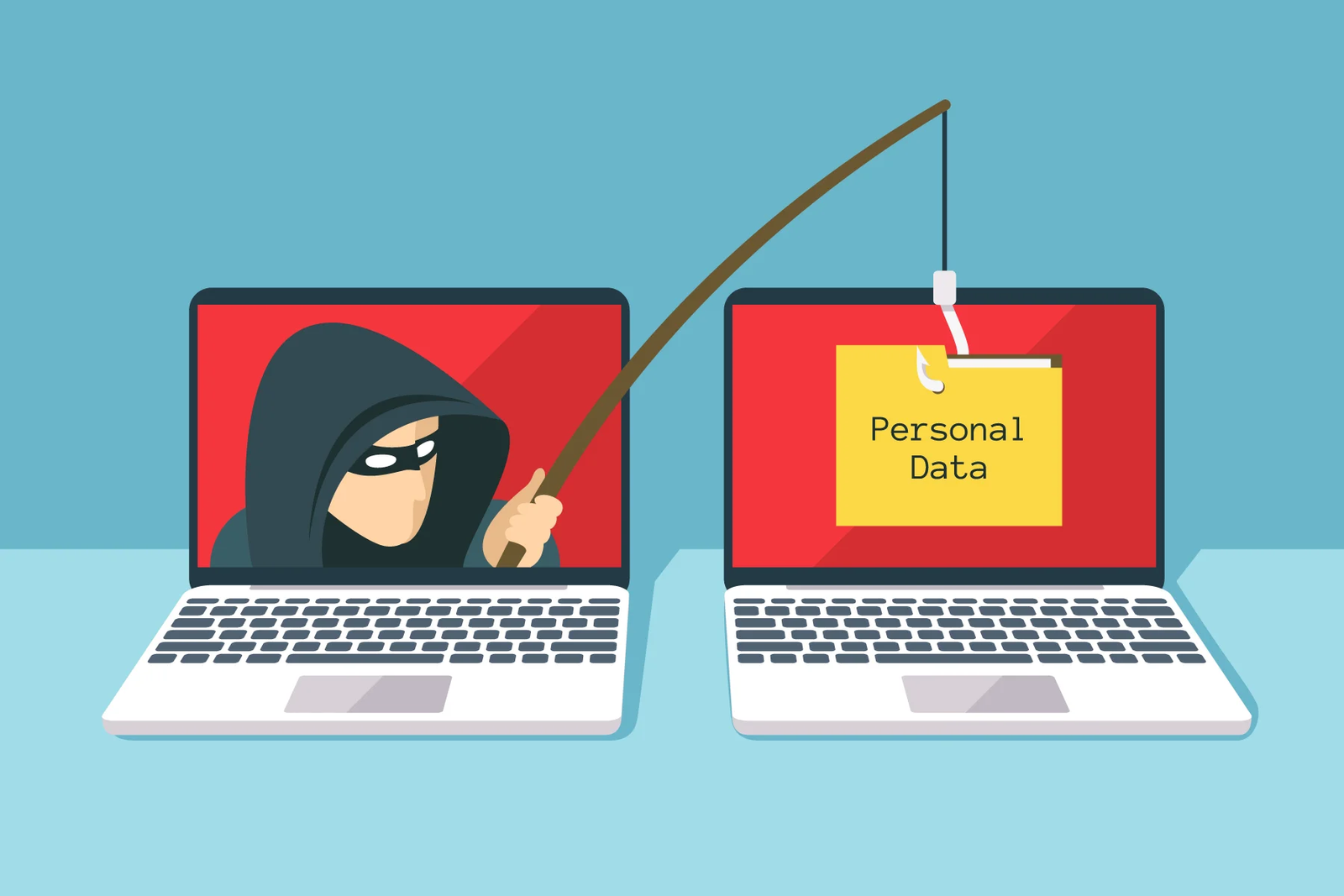
Social media is a big part of student life. Apps like TikTok, Instagram, YouTube, Snapchat, Facebook, and gaming chat platforms help you learn, share moments, and connect with friends. But these apps also have risks like hackers, fake accounts, cyberbullies, scams, and data tracking. Staying safe online is important, especially in 2026 when cyber tricks look more real than ever. This guide explains the best safety steps in a simple and human way.
Keep Your Account Private
Public accounts let anyone see your posts, photos, friends list, and sometimes your personal details. This is risky because strangers or hackers can collect information about you. Always set your account to private so only people you approve can see your content. Private accounts stop unwanted attention and reduce the chance of being targeted.
Accept Requests Only From People You Know
Hackers and strangers often send friend or follow requests pretending to be friendly or the same age. Some even copy your classmates’ names or profile pictures. Before accepting any request, check if the person is real and someone you actually know. If not, don’t accept. It’s better to have fewer real friends than many unknown followers.
Don’t Share Personal Information Publicly
Never post or share:
- Your home address
- Phone number
- School name in public bio
- Live location or daily schedule
- ID numbers
- Bank or card details
- Passwords or OTP codes
Even small details like your birth year or pet’s name can help hackers guess your password. Share only when needed and in private messages with trusted people.
Turn On Two-Factor Authentication (2FA)
2FA adds a second security step after your password. It sends a code to your phone or email. Even if someone steals your password, they still can’t enter without the code. Enable 2FA for every social media account, especially your email. This is one of the strongest safety tools you can use.
Avoid Clicking on Random Links
Hackers spread fake links through comments, messages, stories, or ads saying things like:
- “You won a prize!”
- “Click to see who viewed your profile!”
- “Free followers here!”
- “Urgent: Your account will be banned!”
These links can steal your data or install malware. If a link comes from someone you don’t fully trust or looks suspicious, don’t click. Real platforms never ask for passwords through links.
Be Careful With Profile Photos
Posting pictures in school uniform, name badge, street signs, or home background can reveal your identity or location. When uploading profile photos or posts, choose images that don’t expose personal details. Also, avoid using the same profile photo across every platform — it makes tracking easier.
Don’t Post Your Live Location
Some apps let you tag location. Never share live location or post where you are right now (like café, mall, school gate, or home). You can post later without location tags. Sharing live location can put your physical safety at risk.
Use Strong and Different Passwords
A weak password is the easiest way for hackers to break into your account. A strong password should include:
- Capital letters
- Small letters
- Numbers
- Symbols
Example: MySchool@2026!Safe
Also, don’t reuse passwords on different apps. If one platform gets hacked, attackers may try the same password everywhere.
Beware of Fake Accounts
Fake accounts may:
- Copy real people’s profiles
- Use AI-generated faces
- Pretend to offer support, jobs, or prizes
- Ask for photos, videos, or personal info
- Try to create emotional trust
If an account messages you strangely, asks for personal things, or looks unrealistic, block and report it. Reporting helps protect others too.
Stay Away From “Free Followers” or “Free Likes” Apps
Many apps or websites claim to give free followers, likes, or views. These are usually traps to steal your login data. No real tool can safely grow your account using shortcuts. Organic (natural) growth is slow but safe.
Protect Yourself From Cyberbullying
Cyberbullying means getting attacked online through insults, threats, fake rumors, embarrassing posts, or group targeting. If it happens:
- Don’t reply angrily
- Take screenshots as proof
- Block the user
- Report the account
- Tell a teacher or parent
You are never alone. Reporting ends bullying faster than silence.
Think Before You Post
Once you post something online, it can be saved, shared, or screenshotted by others. Ask yourself:
- Is this safe to share?
- Can this reveal my identity or location?
- Can someone misuse this later?
If unsure, don’t post. The internet never forgets.
Logout After Using Shared Devices
School computers, friends’ phones, or cyber cafés are shared devices. Never leave your accounts logged in. Always logout and remove saved passwords. Attackers often get access from forgotten logins.
Don’t Share Private Photos or Videos
Hackers or strangers may ask for photos or videos. Once shared, these can be used for blackmail or identity misuse. Never send private content to anyone except trusted family or in very safe situations.
Use VPNs on Public Wi-Fi
Public Wi-Fi can expose your data to interception. A VPN hides your IP and encrypts traffic, making browsing safer. Turn on your VPN before using public Wi-Fi at cafés, schools, or malls.
Keep Your Social Media Bio Clean
Don’t write sensitive details in your bio. Avoid adding:
- School full name
- Class section
- Exact age
- Home city
- Phone number
A clean bio reduces targeting and tracking.
Don’t Fall for Emotional Manipulation
Hackers and scammers sometimes don’t use technical tools — they use psychology. They may:
- Pretend to need help
- Act like your friend
- Create fake emergencies
- Offer money, jobs, or prizes
If something feels emotionally pressured or urgent, pause and verify. Real friends don’t ask for passwords, codes, or personal photos.
Use Security Settings Smartly
Always enable:
- Private account mode
- 2FA
- Login alerts
- Device authorization control
- Kill switch (if VPN used)
- Password auto-fill OFF on shared devices
These reduce unauthorized access.
Keep Your Device Secure
Social media safety also depends on device safety. Use:
- Screen lock (PIN / fingerprint / Face ID)
- Antivirus
- Regular updates
- Safe downloads
If your device is hacked, your accounts are also in danger.
Report Suspicious Activity
If you see:
- Fake accounts
- Spam messages
- Cyber threats
- Bullying
- Scams
Report them immediately. Reporting helps the platform remove attackers faster.
Avoid Oversharing Your Daily Life
Don’t post your:
- Class timetable
- Travel routine
- When you are alone
- Home front photos
- Family details
Hackers study patterns. Less sharing = more safety.
Final Words
Social media can be safe if you use it carefully. Keep your account private, avoid strangers, protect personal data, enable 2FA, use strong passwords, avoid fake links, and report cyberbullying. Cyber safety is not about fear — it’s about smart habits. When you stay alert and follow these tips, you enjoy social media without losing privacy or safety.