
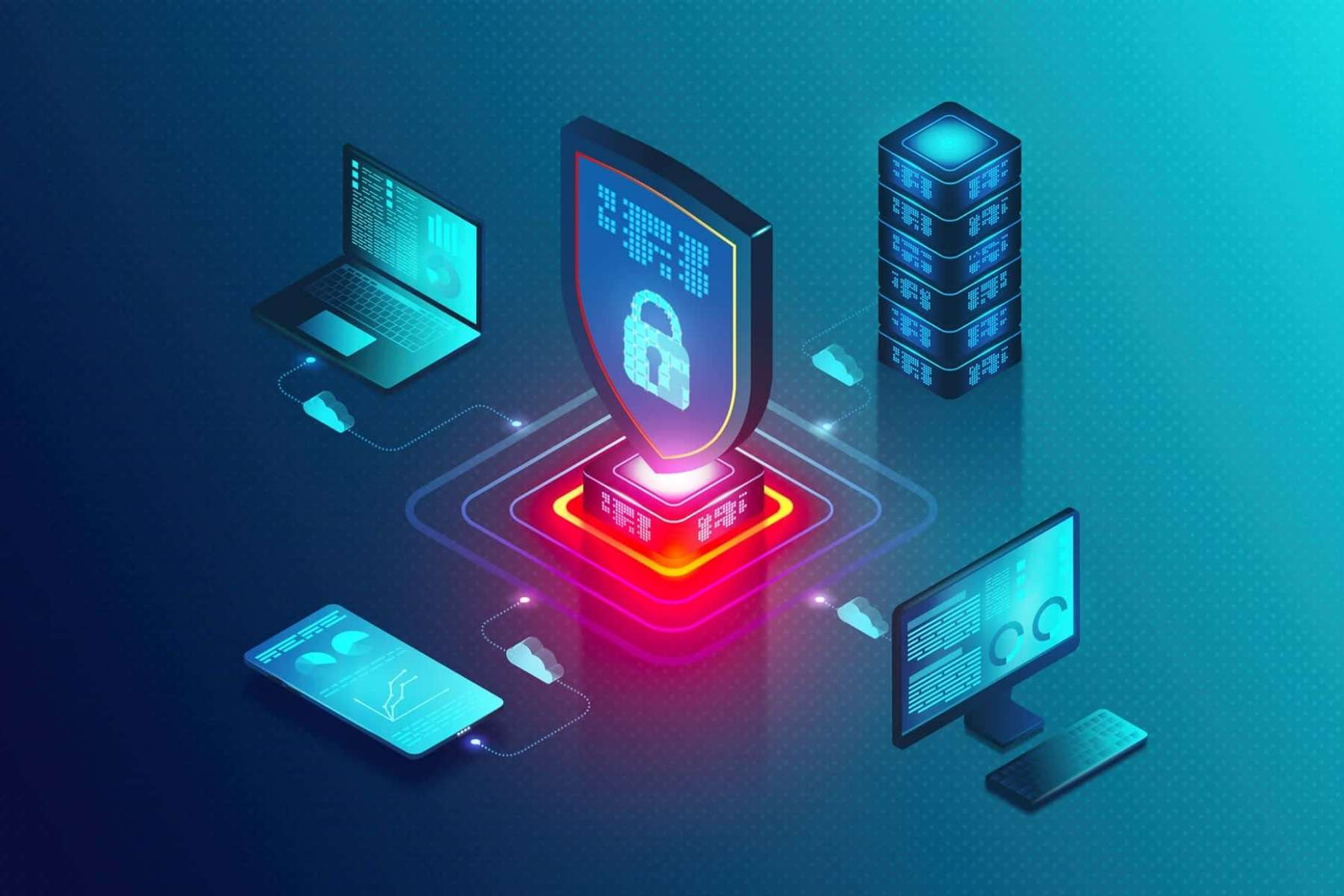
In 2026, cyber security is one of the most important skills anyone can have. Whether you are a student, professional, small business owner, or just someone who uses the internet, understanding how to protect yourself online is essential. Cyber threats are everywhere—malware, phishing, ransomware, data breaches, weak passwords, fake apps, and unsafe networks. Using the right tools can help you stay safe. But beginners often do not know where to start. This guide explains the top cyber security tools that are easy to use and perfect for anyone starting their cyber security journey.
These tools will help you secure your devices, protect your data, learn about threats, and build good online habits. Each tool is explained simply so you understand what it does and how it can help you.
Antivirus and Security Suites
Every device needs protection, and the first line of defense is antivirus software. Antivirus tools scan your system to detect and remove malware like viruses, spyware, ransomware, and trojans. They also protect you in real time so threats can be stopped before they cause damage.
Real-Time Antivirus Protection
Antivirus tools continuously scan files, downloads, and apps. When something looks harmful, the tool blocks it and warns you. For beginners, a simple antivirus with an easy interface is best. These tools often include:
- On-demand scanning
- Real-time protection
- Browser protection
- Scheduled scans
- Malware removal
Using trusted antivirus software keeps your phone, laptop, tablet, and desktop safe from common threats.
Password Managers
Weak passwords and reused passwords are two of the biggest reasons accounts get hacked. Password managers help you create, store, and autofill strong passwords without you having to remember them.
How Password Managers Help
A password manager:
- Generates strong unique passwords
- Stores them securely in an encrypted vault
- Autofills login forms
- Syncs passwords across devices
- Stores secure notes
Instead of remembering dozens of passwords, you remember one strong master password. Password managers protect against password theft and make your online life much easier.
Two-Factor Authentication (2FA) Apps
Two-factor authentication (2FA) adds a second step after your password. Instead of only entering a password, you also enter a code or approve a prompt on your phone. This makes it much harder for hackers to enter your accounts even if they steal your password.
Why 2FA Apps Are Useful
2FA apps generate time-based codes that change every 20–30 seconds. Hackers cannot guess these codes because they are created locally on your device. With simple setup, 2FA tools dramatically reduce the risk of account compromise.
VPN (Virtual Private Network)
A VPN protects your internet connection by encrypting your data. This is especially useful when you use public Wi-Fi networks like cafes, airports, hotels, or universities. Without a VPN, hackers can intercept your data and steal sensitive information.
Benefits of Using a VPN
When you use a VPN:
- Your online activity becomes private
- Your IP address is hidden
- Your data is encrypted
- You can use public Wi-Fi more safely
For beginners, choose a VPN with a simple app and strong privacy policies. A VPN is not perfect, but it adds an important layer of safety.
Firewall Tools
A firewall monitors incoming and outgoing traffic on your device. It works as a barrier between your system and the internet. Firewalls block suspicious connections and stop hackers from entering your network.
How Firewalls Help
Firewalls can:
- Block unauthorized access attempts
- Alert you to unusual network activity
- Control which apps connect to the internet
- Protect home networks
Both computers and routers can have firewall protection. Beginners should turn on built-in firewalls and learn basic firewall settings.
Network Scanners
Network scanners help you see who and what is connected to your network. They are especially helpful to beginners who want to learn about network security. Network scanners show:
- Connected devices
- Open ports
- Network vulnerabilities
- Device types
By scanning your home Wi-Fi, you can detect unknown devices or weak security settings and take action.
Phishing Awareness Tools
Phishing is one of the most common cyber threats. Hackers send fake emails, messages, or links that look real but steal your passwords or install malware. Phishing awareness tools help you identify and block these threats.
What These Tools Do
Phishing tools can:
- Scan URLs before you click
- Warn about fake websites
- Analyze email links for danger
- Provide browser extensions for protection
Using these tools helps beginners avoid dangerous links and stay safe online.
Secure Browsers and Add-Ons
Your web browser is where most internet activity happens. Secure browsers and browser extensions help block trackers, unsafe sites, intrusive ads, and phishing attempts.
Examples of Browser Security Features
Good browsers and extensions can:
- Block pop-ups
- Warn about unsecured pages
- Prevent browser fingerprinting
- Force HTTPS connections
- Block ads and trackers
Secure browsers make your internet experience safer and more private.
Cloud Backup Tools
Protecting data is not only about stopping hackers, it is also about backups. Cloud backup tools automatically save your important files to secure servers. If your device is lost, stolen, or attacked by ransomware, you can restore your data.
Why Backups Matter
Backups ensure:
- Your photos stay safe
- Documents are recoverable
- Files aren’t lost to malware
- You have a copy if your device fails
Cloud backups work silently in the background and give peace of mind.
Password Strength Checkers
Some tools check how strong your passwords are. These tools analyze:
- Password length
- Reuse across accounts
- Predictability
- Exposure in data breaches
By knowing which passwords are weak or leaked, you can change them before hackers exploit them.
Basic Vulnerability Scanners
Vulnerability scanners are tools that scan systems or websites for known security issues. For beginners, simple vulnerability scanners help you learn about risks without needing advanced knowledge.
How Vulnerability Scanners Work
They check:
- Outdated software
- Missing security patches
- Weak configurations
- Known exploits
By learning where weaknesses exist, beginners can start fixing them step by step.
Secure Messaging Apps
Private communication matters. Secure messaging apps use end-to-end encryption, which means only you and the person you message can read the texts. Even the service provider cannot see your messages.
Why Secure Messaging Helps
Encrypted messaging protects:
- Texts
- Calls
- Media files
- Group chats
Using secure messaging keeps personal conversations private from hackers and data collectors.
Endpoint Protection Tools
Endpoint protection tools secure computers, phones, tablets, and other smart devices. They combine traditional antivirus with advanced detection, cloud intelligence, behavior analysis, and automatic response.
Benefits for Beginners
These tools provide:
- Easy dashboards
- Centralized protection
- Automatic threat response
- Minimal technical setup
Endpoint protection for personal use gives strong security without complex configuration.
Learning Platforms and Practice Labs
Cyber security is a skill. Tools help, but learning how to use them and understand threats makes you stronger online. Many platforms offer safe hands-on labs where beginners can practice real cyber security techniques without risk.
What You Can Learn
These platforms teach:
- Basic networking
- Security testing
- Ethical hacking principles
- Real-world scenarios
- Guided challenges
Learning platforms help beginners build confidence and skills.
Security Awareness Games and Simulations
Learning doesn’t have to be boring. Some tools combine gaming with security training. These simulate real cyber threats like phishing, malware, or hacking scenarios so beginners can learn through interactive challenges.
Why This Helps Beginners
Games and simulations:
- Make learning fun
- Teach practical skills
- Increase retention
- Build real threat understanding
Security games prepare users for real online danger.
Simple Security Checkup Tools
Some tools give you a quick overview of your security setup by checking:
- Password strength
- 2FA status
- Device updates
- Network settings
- Privacy settings
These checkups help beginners focus on the most urgent fixes without confusion.
Final Thoughts
Cyber security is no longer just for experts. In 2026, threats are everywhere, but so are tools to protect you. Beginners should start with tools that are easy, reliable, and beginner-friendly. Antivirus protection, password managers, 2FA apps, VPNs, firewalls, phishing tools, secure browsers, cloud backups, vulnerability scanners, secure messaging, learning platforms, and checkup tools form the foundation of good cyber security habits.
Using these tools regularly helps you stay safer online and reduces the chance of hackers, malware, or data loss. As you learn more, you can explore advanced tools, but these basics will protect you well in the beginning. Cyber security is a journey, and with the right tools by your side, you can confidently take the first steps toward a safer digital life.